Daffaizan.Website

Categories
Project IT

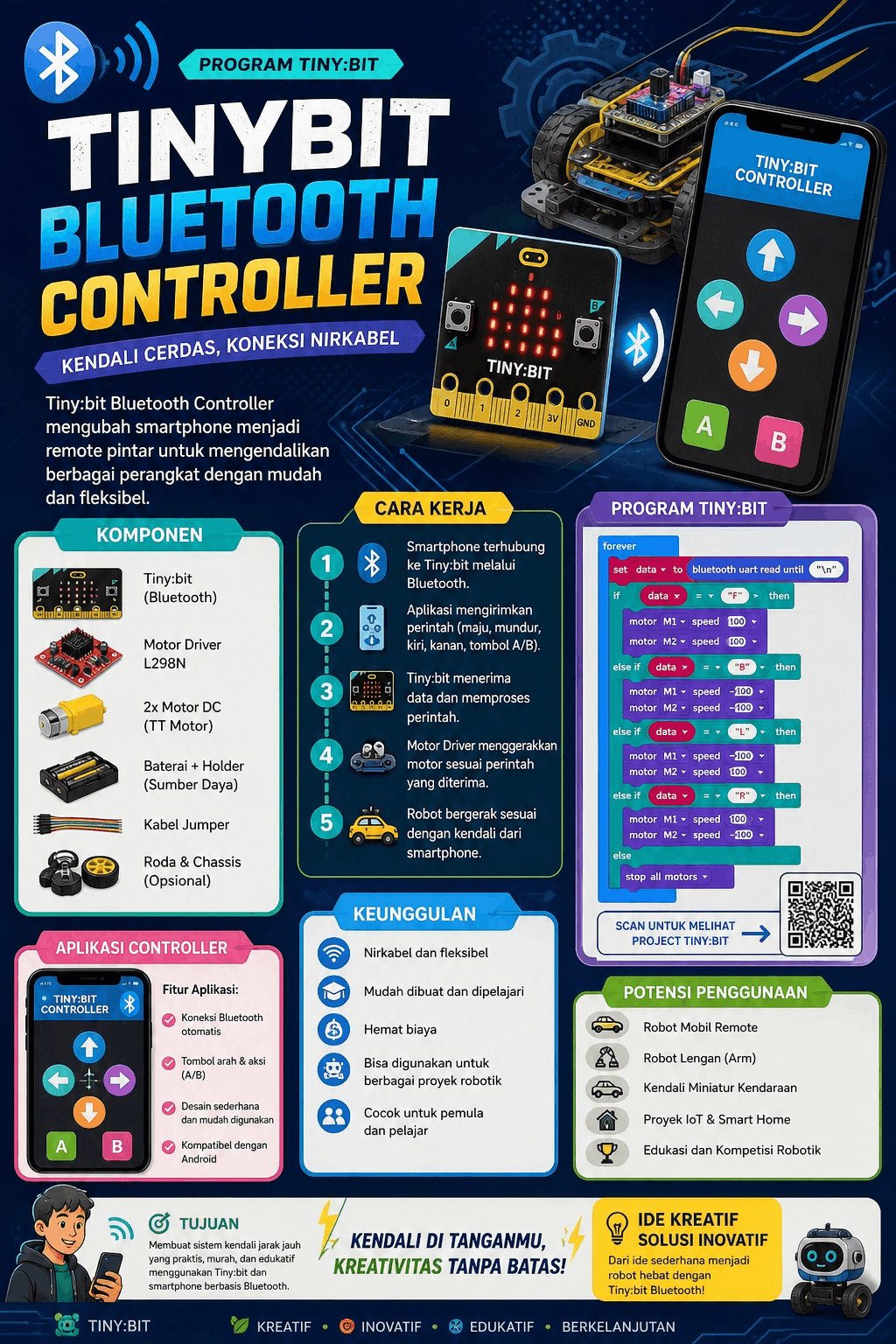
IOT: Tiny:bit Bluetooth Controller

IOT: Tiny:bit Bluetooth Controller

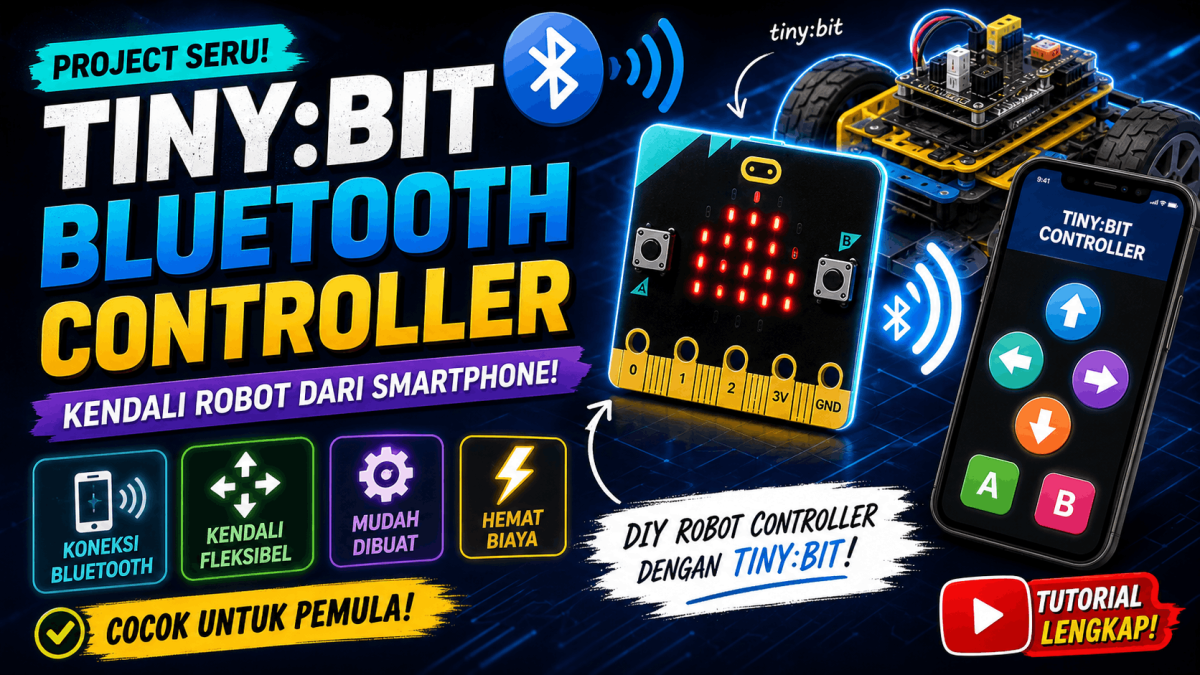
This video features a group of students introducing and explaining a simple robotics project. At the beginning, the main subject—a small, vehicle-shaped robot—is shown. Several students then appear together to discuss the project, with one student explaining the details while showcasing the robot and its components.Next, the video provides a closer look at the robot, highlighting its wheels, chassis, wiring, and internal electronic components. A laptop is also shown, displaying the robot’s circuitry or electronic system; the students explain how the components interconnect and function to operate the robot.Towards the end, the students once again display the robot in person while elaborating on the project they created. The video concludes with the three students appearing together. Overall, the video documents and presents the student-made robotics project, focusing on the robot’s design, electronic components, circuitry, and operational mechanics.
Categories
Project IT

Multimedia: Poster Infografis

Multimedia: Poster Infografis

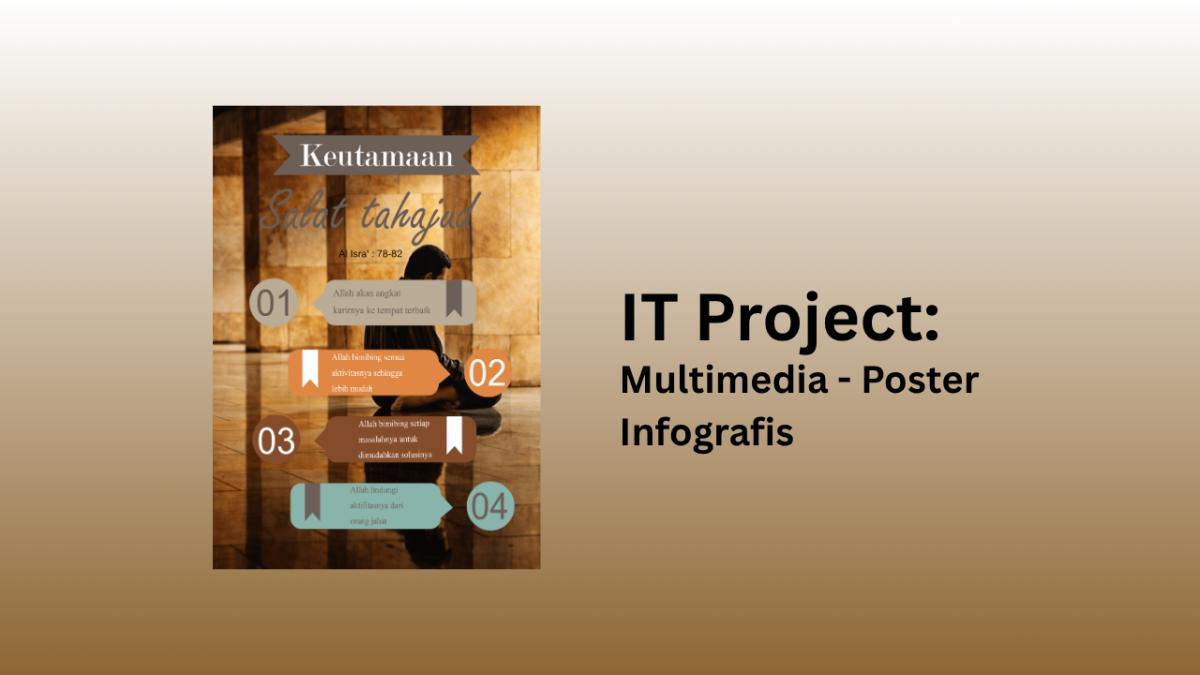
In creating this poster, I used Affinity Designer as the main software. Affinity provides a flexible workspace with different personas that allow me to combine vector design, pixel editing, and layout adjustments in one project. This made it easier to manage the creative process from start to finish without switching between multiple applications.To design the poster, I applied several tools inside Affinity. I used the Shape Tool to build the basic layout, the Fill Tool to add gradients and color transitions, and the Text Tool to place the main title and supporting text. Additionally, I experimented with the Transparency Tool to create smooth blending effects and the FX Panel to add shadows and highlights that made the design more dynamic.Overall, the process of making this poster was not too difficult, but it required patience and attention to detail. Learning how each tool works took some practice, especially when combining gradients and effects. However, once I understood the functions, the workflow became enjoyable and gave me a sense of accomplishment. Using Affinity Designer made the task manageable and rewarding.

Categories
Project English

English Project: Convertation

English Project: Convertation

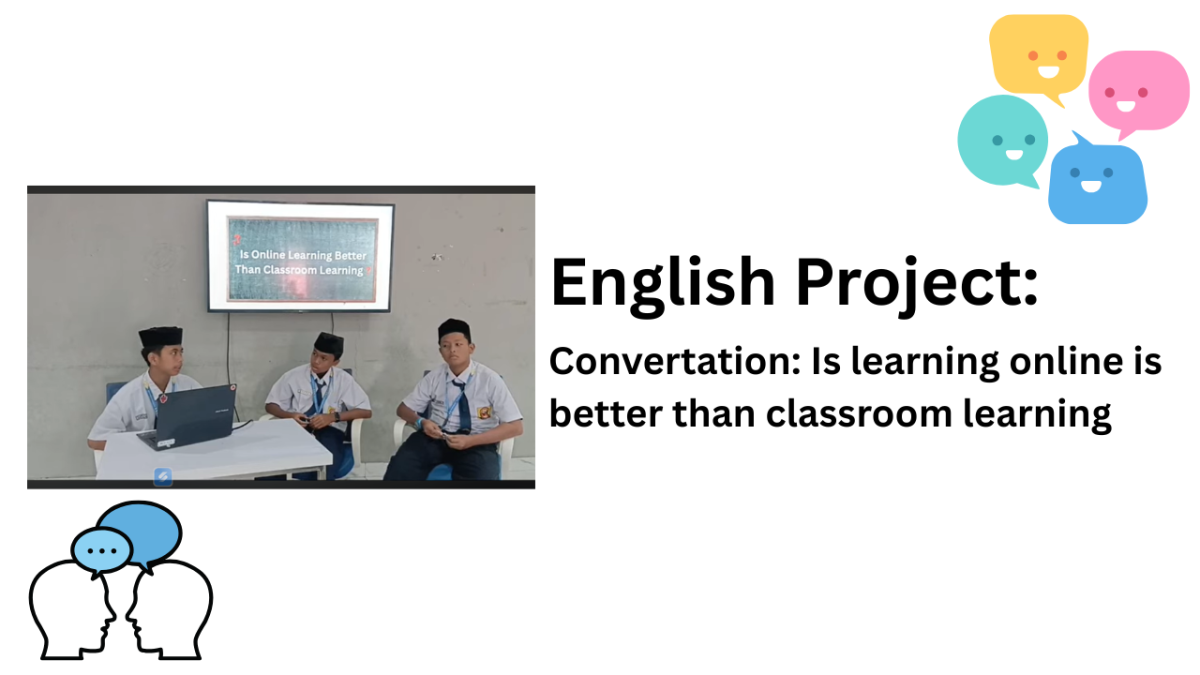
This Video about my first project in IDN, that is convertation. The topic is "Is learning online is better than classroom learning". I took the video around 5 minute. It was supposed to be just the two of us—Khalifa and me—but since Arky didn't have a team, my teacher told him to join ours. In this video, I’m just the host asking Khalifa and Arky questions for them to answer. The project itself is easy, but the actual execution took a while.

Categories
Project IT

Multimedia: Poster Desain

Multimedia: Poster Desain

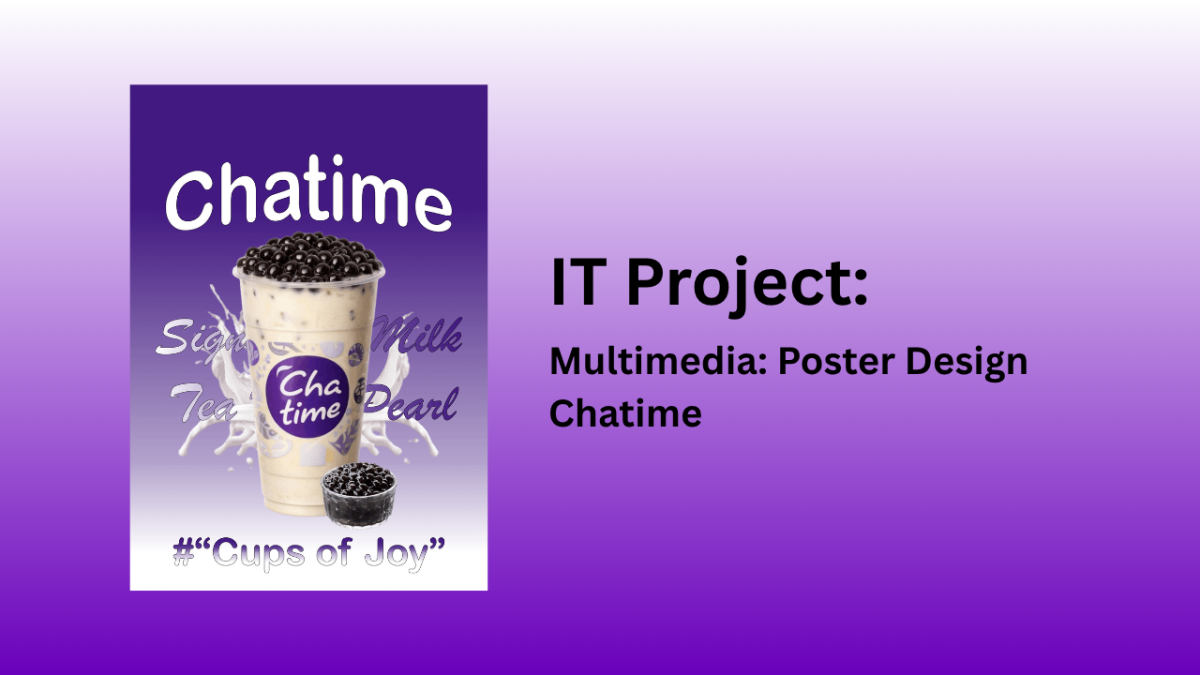
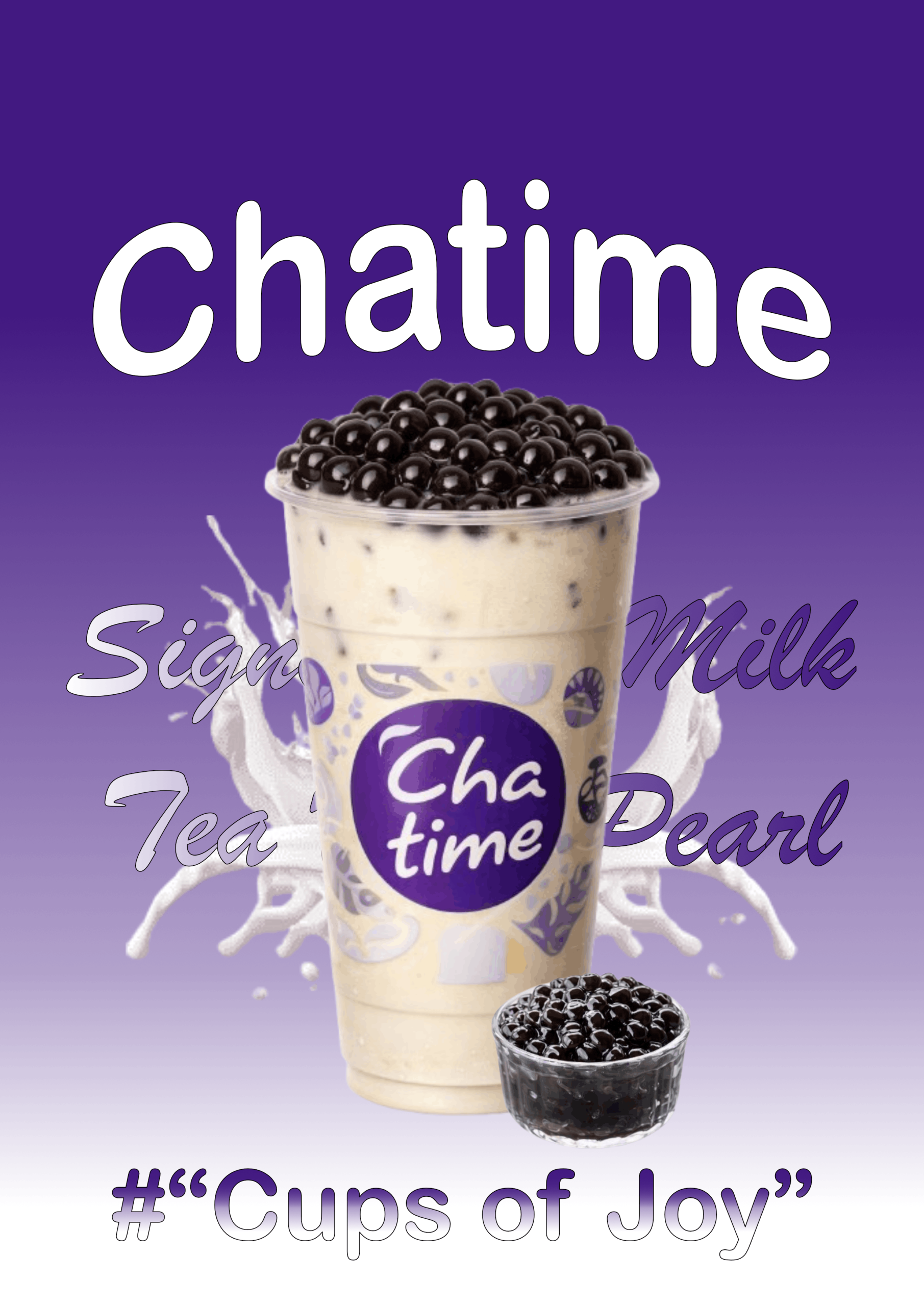
I created this poster using Affinity Designer, which provided a flexible workspace for combining images, text, and gradients. The background was built with a gradient fill tool to achieve the smooth transition from dark purple to light purple, reflecting Chatime’s signature brand colors. The main focus of the design is the large cup of milk tea with pearls, accompanied by a smaller container of tapioca pearls, both arranged to highlight the product visually.

To achieve the dynamic look, I used several tools in Affinity. The Fill Tool was applied to create the gradient background, while the Pen Tool and Shape Tool helped in adjusting layout elements and decorative splashes. The Text Tool was used to insert the Chatime logo, product name, and tagline “Cups of Joy.” Additionally, the Layer Effects panel allowed me to add subtle shadows and highlights, giving depth to the cup and pearls.

The overall impression of making this poster was very enjoyable. It felt creative and rewarding to see how simple elements like gradients, splashes, and bold typography could come together into a vibrant promotional design. The process gave me a sense of satisfaction, especially when the purple tones and milk splash effects blended harmoniously with the product image. It truly captured the lively and joyful spirit that Chatime wants to convey through its branding.

Categories
Project IT

Multimedia: Ilustrasi Project

Multimedia: Ilustration Project

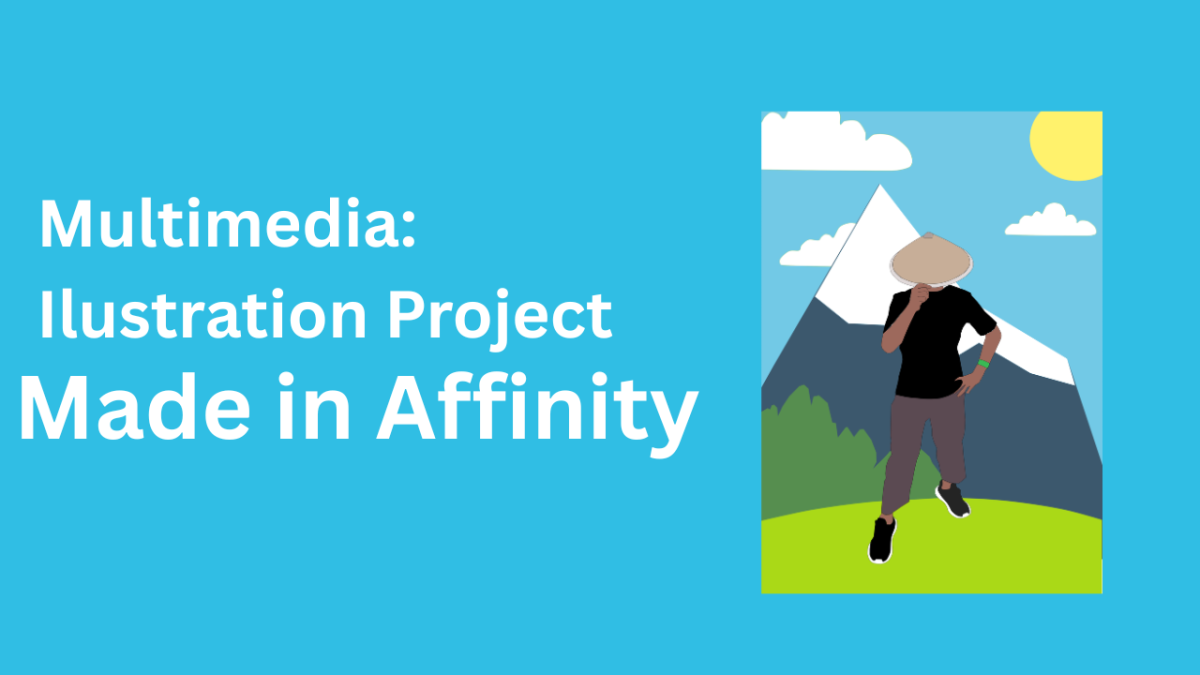
This illustration was created using Affinity Designer, a vector-based graphic design application. The creation process involved tracing a reference photo with the Pen Tool, followed by coloring each element—such as the figures, mountains, clouds, sun, and trees—according to the desired concept, resulting in a polished, high-quality illustration.

This illustration employs a balanced composition, with the main figure positioned in the center as the focal point. The background—featuring mountains, clouds, the sun, and trees—creates a sense of depth, while the blend of bright colors generates a contrast that makes the illustration more visually appealing.

Creating this illustration involves a moderate level of difficulty, as it requires precision in shaping, coloring, and arranging each element to ensure a proportional and harmonious look. With an understanding of the fundamentals of Affinity Designer, one can produce high-quality illustrations of this kind.

Categories
Project IT

Smart Parking

Smart Parking

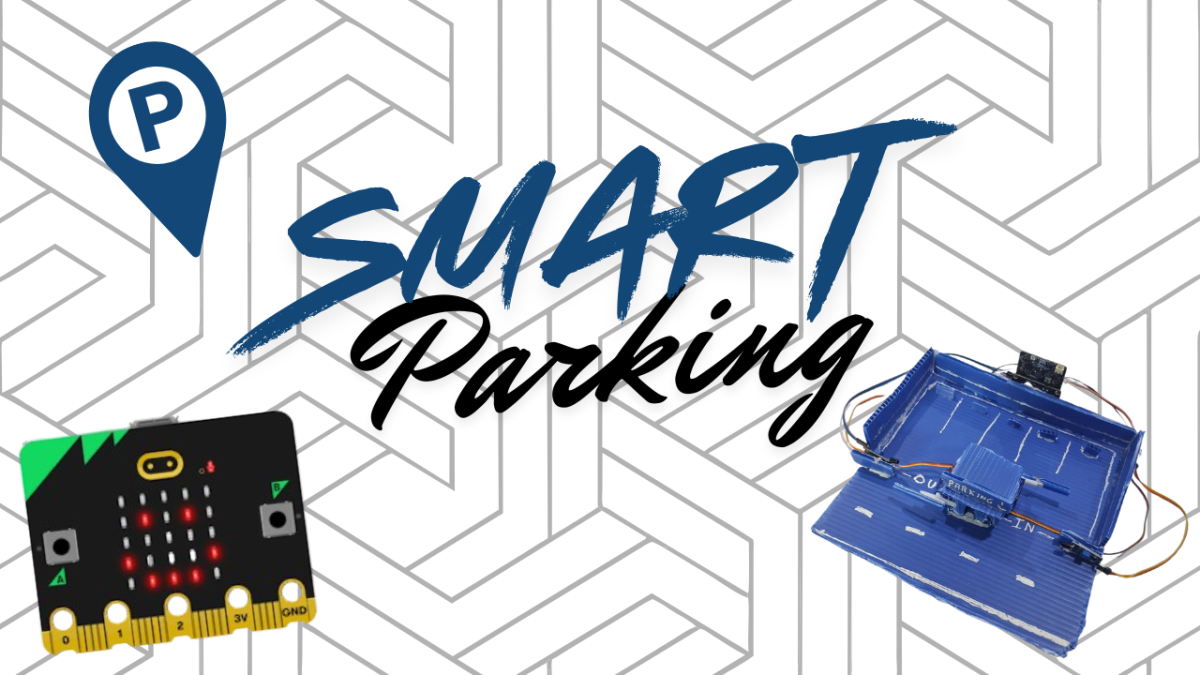
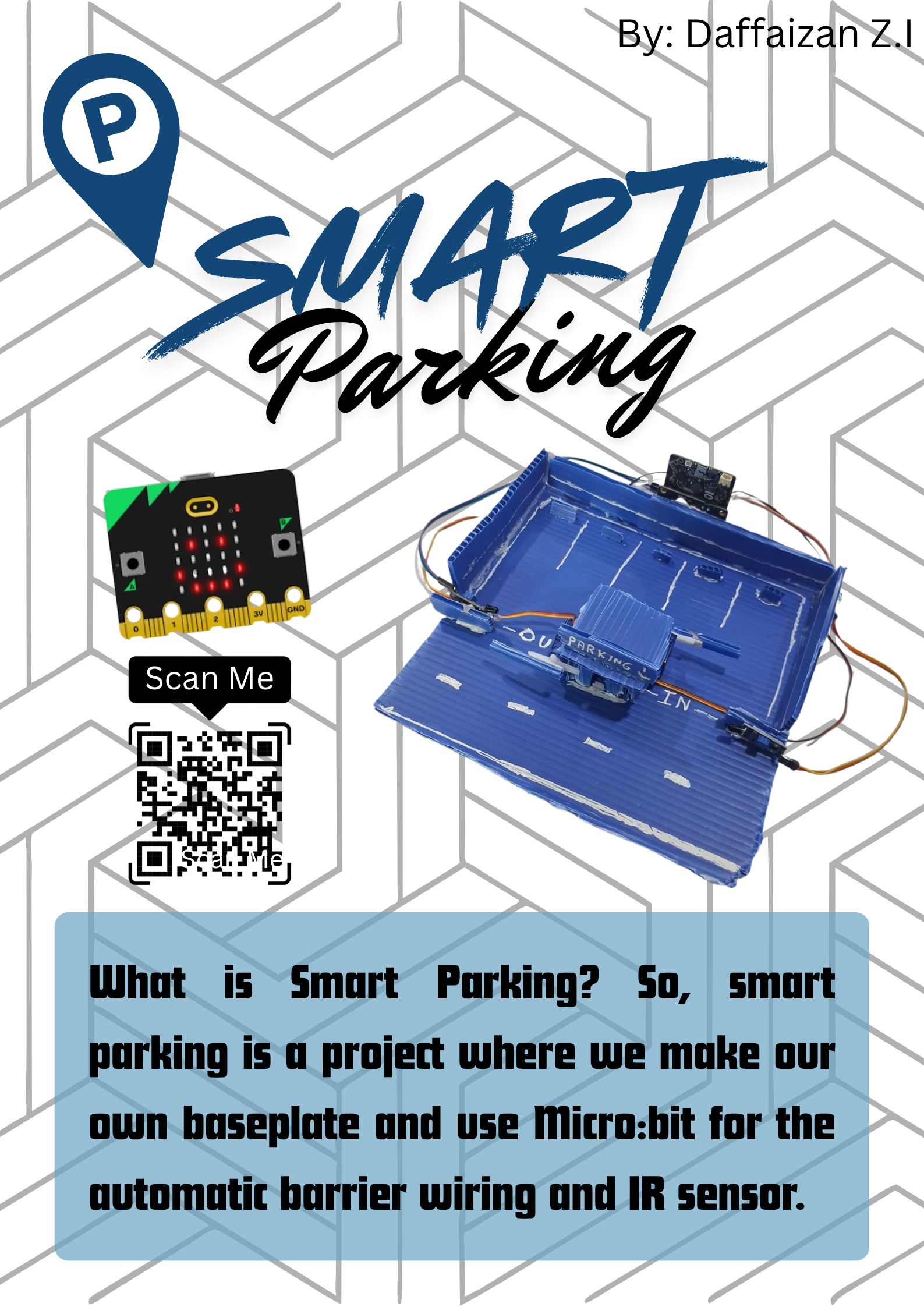
What is Smart Parking, so smart parking is a project where we make our own baseplate and use Micro:bit for wiring the automatic barrier and the IR sensor. The steps are first you have to prepare the IR sensor, servo, Micro:bit, IO:bit, etc. Second you can start making the baseplate and put all the sensors in place. Third you can start the coding program, fourth you can make the automatic barrier and make the parking lot as attractive as possible, fifth you can tidy up the cables and good luck trying it