Daffaizan.Website

Categories
Project Diniyah

Diniyah Project: Adab Tawakal To Allah

Diniyah Project: Adab Tawakal To Allah

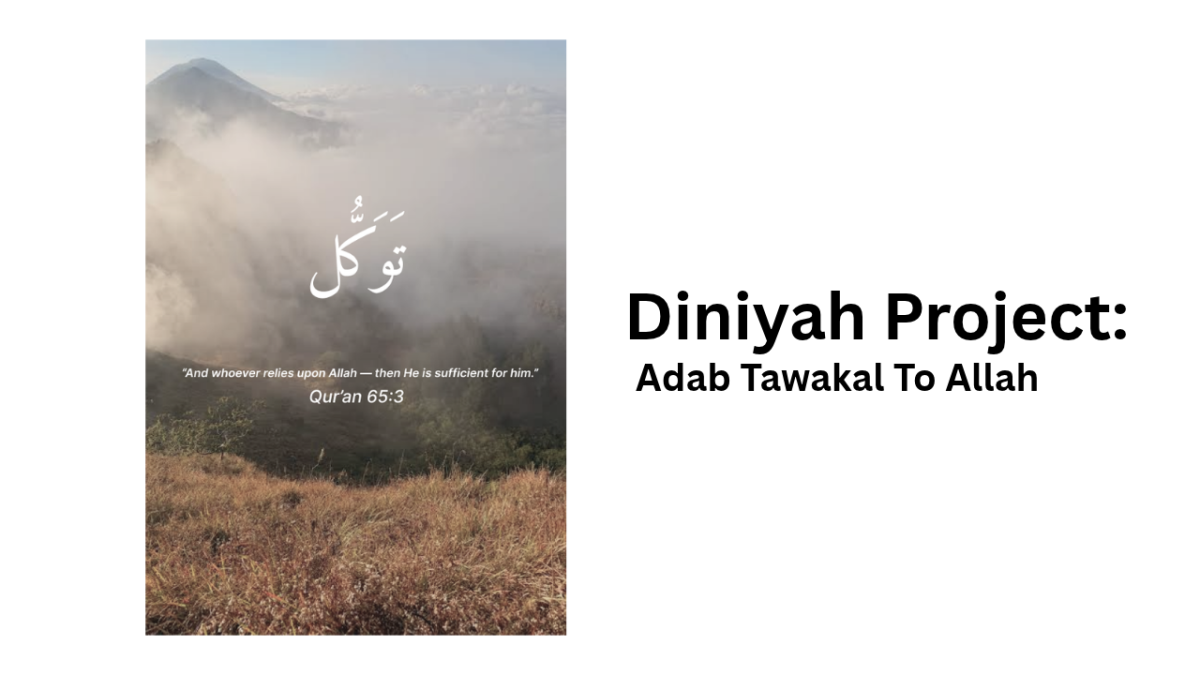
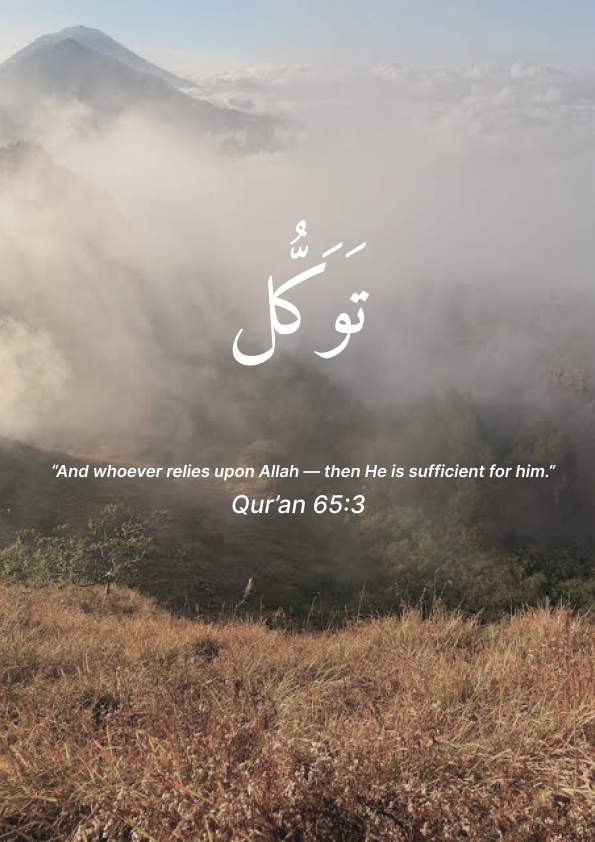
This poster presents a peaceful and meaningful Islamic message about trusting Allah. It uses a beautiful mountain landscape covered with mist as the background, creating a calm and peaceful atmosphere. The Arabic text “توكل” (Tawakkul) means putting trust in Allah, while the Qur’an 65:3 quote reminds us that whoever relies upon Allah, Allah will be sufficient for them. The simple white typography contrasts nicely with the natural background, making the message clear, elegant, and inspirational.

I post to my youtube. Cek my youtube!
Categories
Project English

English Project: Summarizing Story

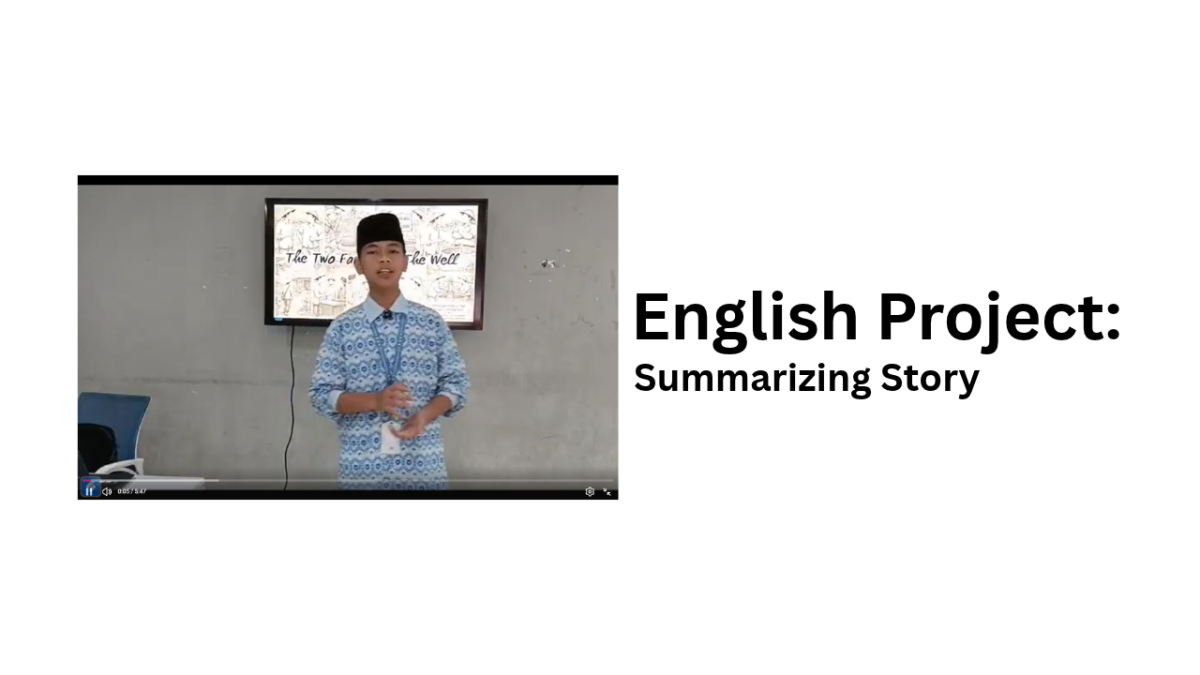
English Project: Summarizing Story About The Two Farmer And The Well

This video is an English project about the story “The Two Farmers and the Well.” In this video, I summarize the story using simple and easy-to-understand English. The story tells about two farmers who face a problem during a long dry season. They have different personalities and ways of dealing with problems. The story teaches us about honesty, patience, and being fair to others. Through this project, I also practiced my English speaking and storytelling skills. I hope this video can be enjoyable and easy to understand.
Thank you for watching, and I hope you enjoy the story!

Categories
Project Diniyah

Sirah Nabawi: Motion Graphic The Battle Of Badr

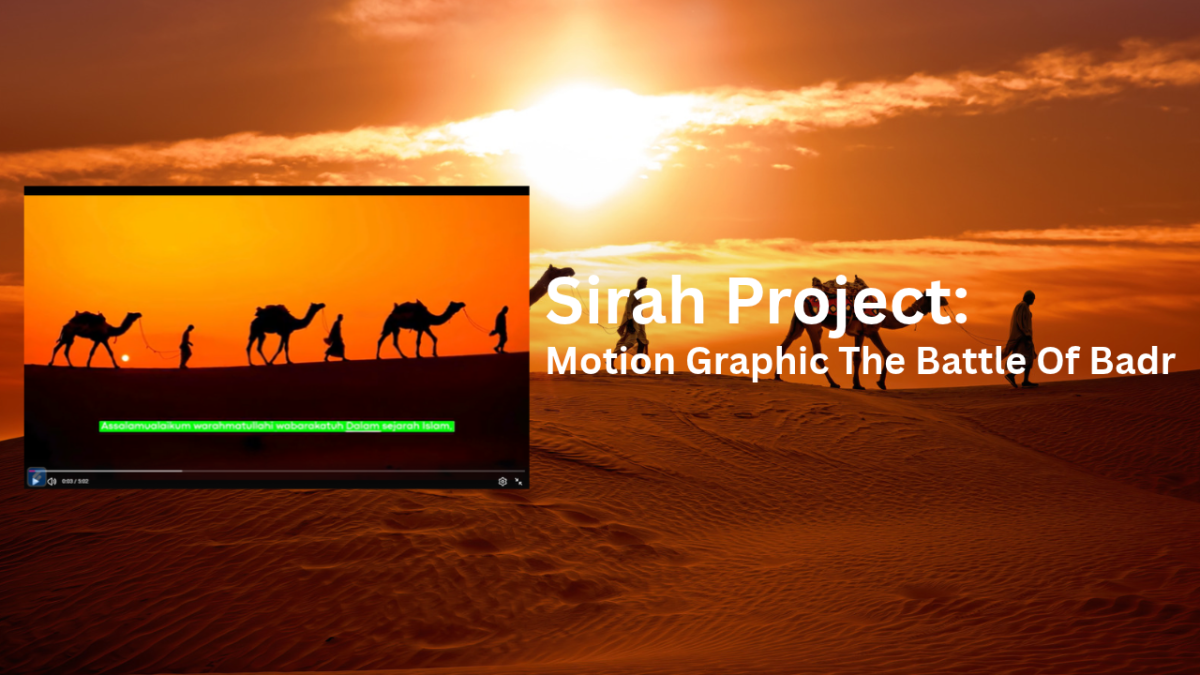
Sirah Nabawi: Motion Graphic The Battle Of Badr

In this video, I present a Sirah Project about the Battle of Badr using motion graphics. The video tells the story of this important event in Islamic history through visual animations, backgrounds, and text. This project was created to make the story of the Battle of Badr more interesting, engaging, and easy to understand.

Categories
Project IT

IT – Tutorial: About Figma

IT Tutorial: About Figma

This video is an IT tutorial about Figma, a design tool used to create various digital designs such as posters, presentations, websites, and user interfaces. In this tutorial, I explain the basic features and tools in Figma and show how to use them step by step. This video is made to help beginners understand Figma and learn how to create simple and creative designs.

Categories
Project IT

Multimedia: Instagram Post

Multemedia: Instagram Post

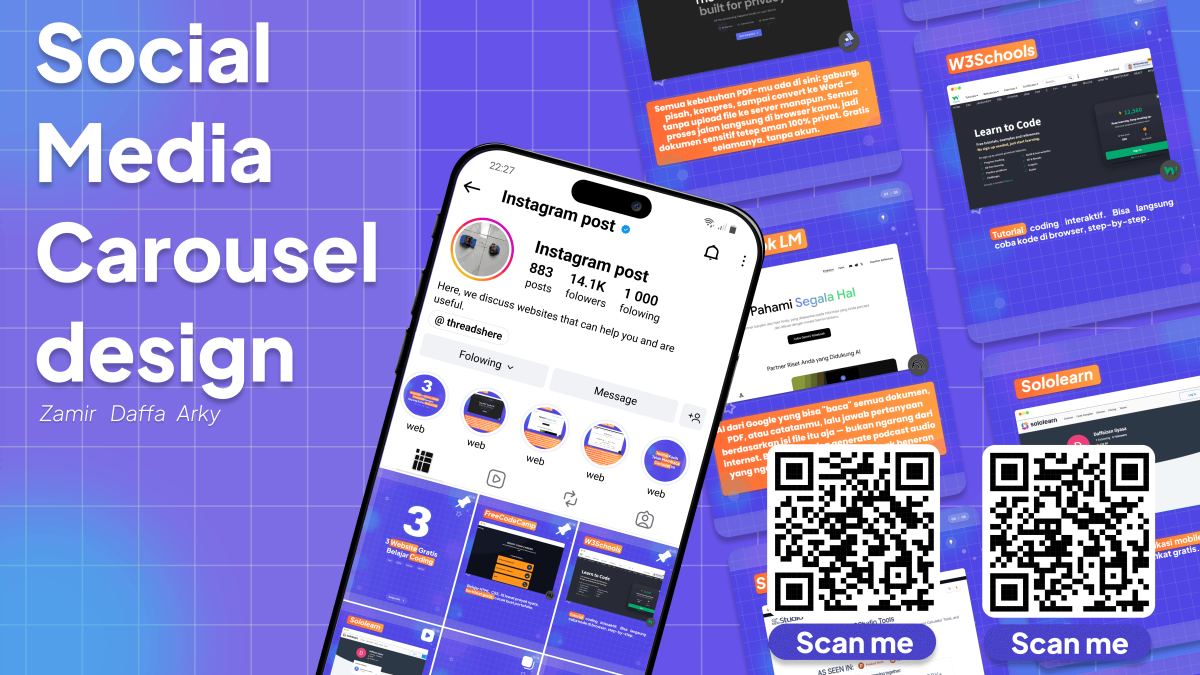
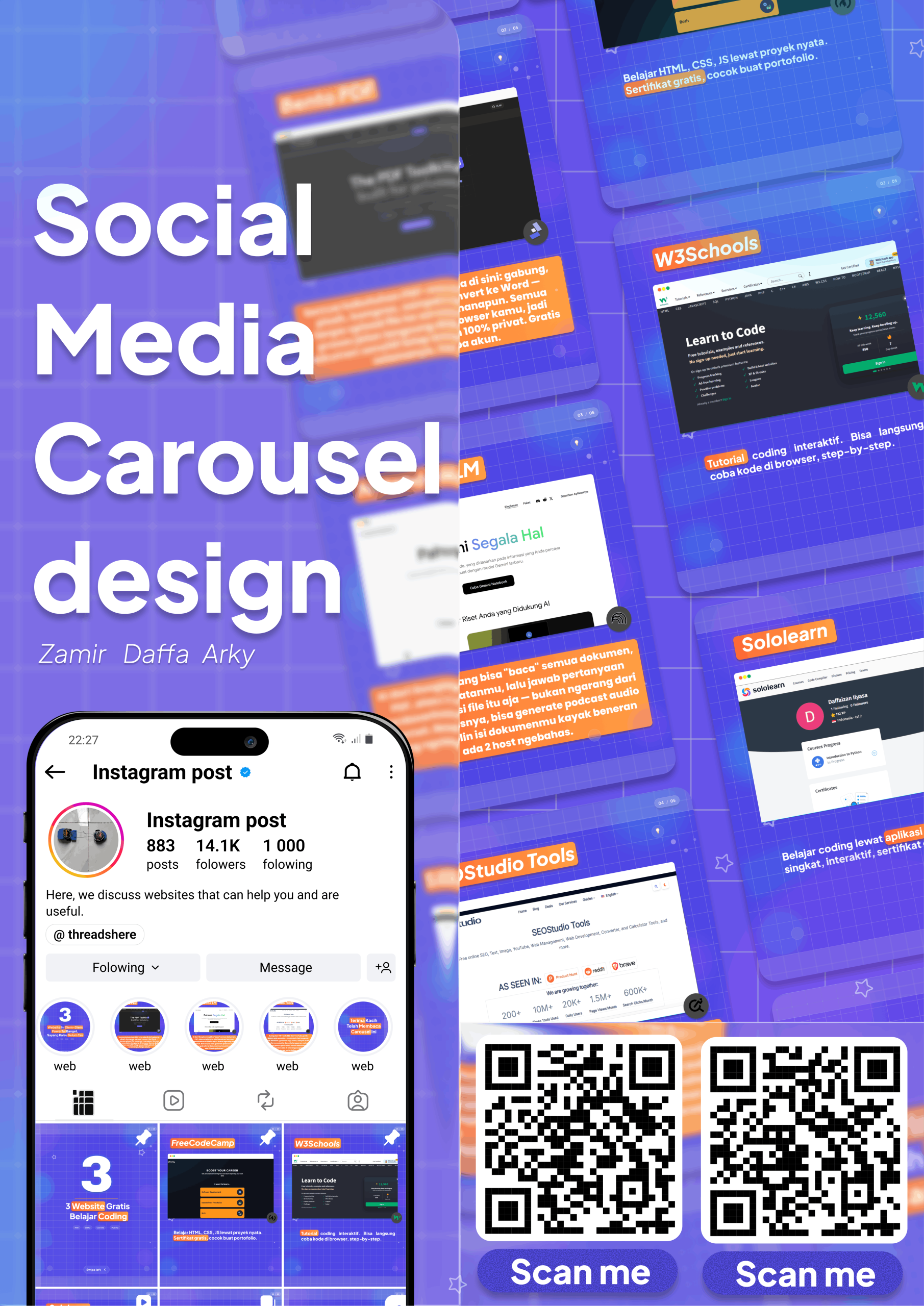
I made this carousel project using Figma. I used Figma to create the carousel design from the beginning, starting with setting the canvas size, creating the layout, and arranging the text and images to make the design look neat and attractive. Figma also helped me keep the design consistent on every slide.

For this project, I used several tools in Figma, such as the Frame Tool to create the size of each slide, the Text Tool to add text, the Shape Tool to create different shapes, and the Pen Tool to create additional elements. I also used Auto Layout and Align to make the elements more organized and neat.

I think making this carousel was quite easy, but some parts needed more attention. The most challenging parts were arranging the layout, choosing the right text size, setting the spacing between elements, and making sure every slide had a consistent design. After learning the basic tools in Figma, the process became easier and more enjoyable.