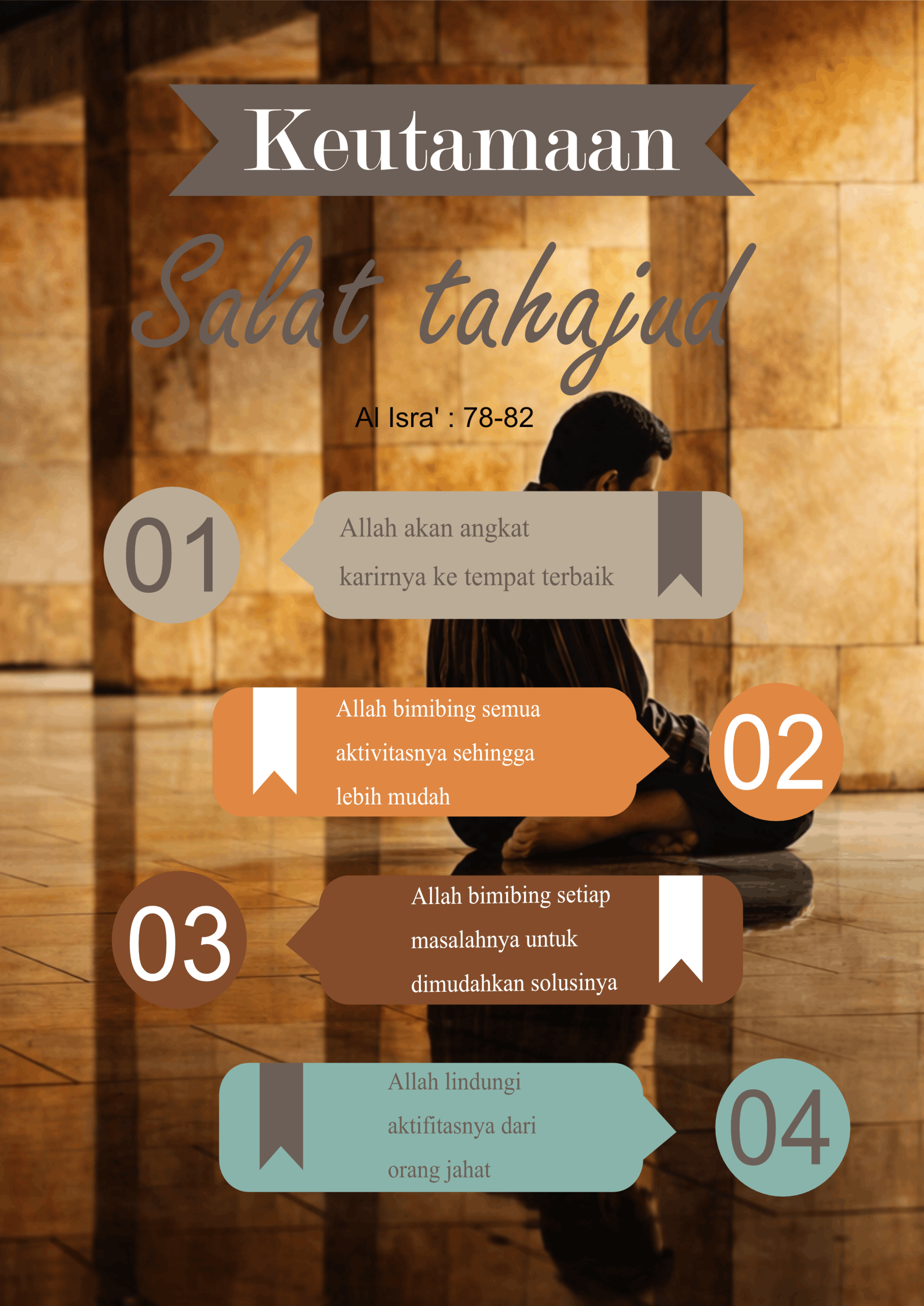
In creating this poster, I used Affinity Designer as the main software. Affinity provides a flexible workspace with different personas that allow me to combine vector design, pixel editing, and layout adjustments in one project. This made it easier to manage the creative process from start to finish without switching between multiple applications.To design the poster, I applied several tools inside Affinity. I used the Shape Tool to build the basic layout, the Fill Tool to add gradients and color transitions, and the Text Tool to place the main title and supporting text. Additionally, I experimented with the Transparency Tool to create smooth blending effects and the FX Panel to add shadows and highlights that made the design more dynamic.Overall, the process of making this poster was not too difficult, but it required patience and attention to detail. Learning how each tool works took some practice, especially when combining gradients and effects. However, once I understood the functions, the workflow became enjoyable and gave me a sense of accomplishment. Using Affinity Designer made the task manageable and rewarding.